You have a WordPress site, and somewhere inside it there is an SEO plugin showing a row of green lights. Then a quote lands for WordPress SEO services, billed every month, and a fair question follows. If the plugin is already doing the SEO, what is the invoice for?
We work on WordPress sites every week, so here is the straight answer. This post covers what the plugin really does by itself, what it cannot do without a person, what we have found on live WordPress sites where every setting looked fine, what a quote should list, and when you should not pay monthly at all. Price is on the plans page. This is about what the money is for.
What are WordPress SEO services?
There is nothing magic about the WordPress part. Google does not care what your site is built with. It reads the page it is served. SEO for a WordPress site is the same SEO any site needs.
What makes WordPress different is how the site is put together. A WordPress site is a stack. There is WordPress itself, a theme, often a page builder, and a pile of plugins, each written by a different company and each updating on its own schedule. The SEO plugin is one item in that pile.
So a WordPress SEO company is really selling two things. One is the work every site needs. The other is someone who knows where this particular stack hides its problems.
If you are still deciding who should do the work at all, the expert, agency or do it yourself post covers that choice. This post assumes the site is on WordPress and a quote is on your desk.
What does a WordPress SEO plugin do on its own?
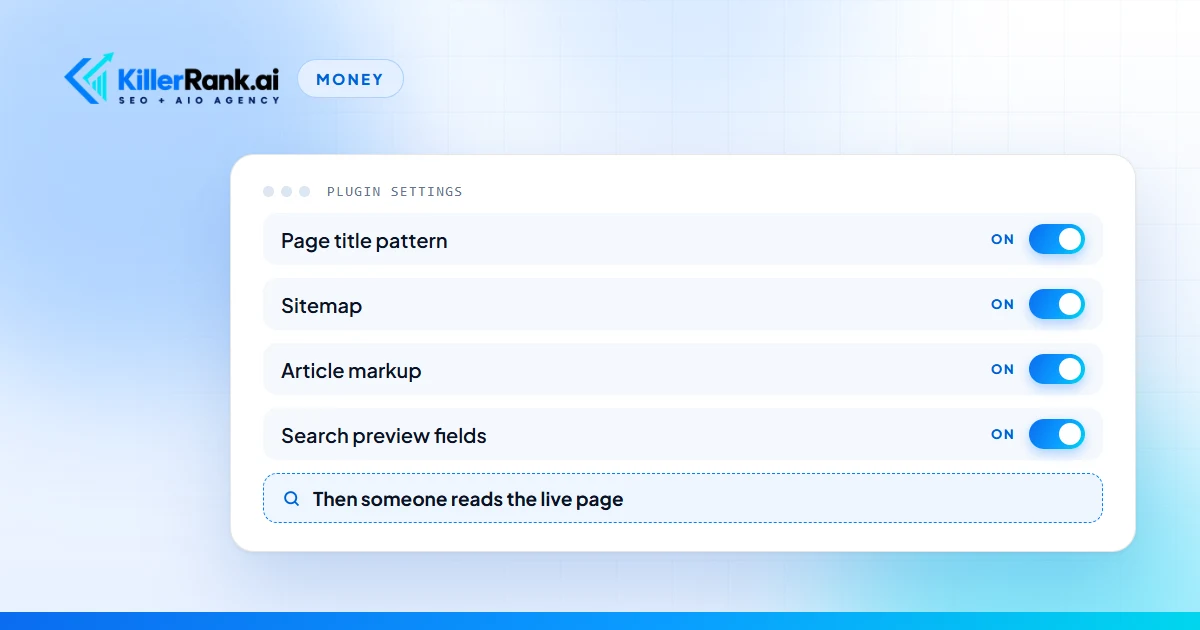
I want to be fair to the plugins, because they are good software. Install one, run its setup screens, and in an afternoon a site gets:
- A title and a description for every page, built from a pattern you choose.
- A sitemap, which is the list of pages you hand to Google.
- Basic markup that labels a post as an article and your business as a business.
- A switch to keep a page out of Google, and usually a place to add redirects.
- A score for each page, shown as a colored light.
For plenty of sites that is most of the technical floor, and nobody should bill you every month for switching it on. If the WordPress line on a quote turns out to mean plugin installed and configured, that is a one time job. The SEO packages post calls that kind of line padding when it repeats monthly, and it is.
One thing about the light. The score is worked out inside the editing screen, from the words you typed and the phrase you told it to look for. It can tell you the phrase is in the heading. It cannot tell you whether the page answers the question, whether anyone searches that phrase, or what the finished page looks like to a visitor. Green means the fields are filled in. It does not mean the page is right.
What can the plugin not do without a person?
Here is what that gap looks like on a real site.
On July 16, 2026 we measured the page titles on a marketing company’s WordPress site. Two new blog posts, each with a sensible headline. The title each page sent to Google was 125 characters long. We hold titles to 60, because that is about what fits on a results page before Google cuts it off.
Nobody had typed a 125 character title. The plugin’s default pattern for a post is the headline, a separator, then the site name. That site’s name ran 62 characters on its own. With the separator, the pattern added 65 characters to every title before the headline got a word in. No headline could have been short enough. The plugin showed nothing wrong, because it was doing exactly what its settings said.
The fix was one setting: posts use the headline alone. I read those two pages again this morning, November 9. Each title is 56 characters.
The same day turned up a second problem. Each of those posts carried two blocks of article markup, one written by the plugin and one added on top of it by hand. Two descriptions of the same article that do not quite match are worse than one. The plugin’s was the better of the two, so the extra one came out. Today each post has one.
And a third, which is the one I would tell every WordPress owner first. An audit of that site, run by someone who was logged in, came back with eight findings. Three of them did not exist. It reported three of eight images missing their text descriptions, and on the public page none were missing. It flagged a help widget for breaking the heading order, and that widget only appears for administrators.
WordPress shows a logged in owner a different page from the one a customer gets. Google gets the customer’s page. Any check that matters has to be made logged out.
None of this needed a genius. It needed someone to load the live page and count.
What goes wrong on a WordPress site after the setup is done?
A WordPress site does not hold still. These are four ways I have watched one drift.
The saved copy. Most WordPress sites run a caching plugin, which keeps a saved copy of each page so it loads fast. On a contractor’s site, a new post was live at its own address while the blog page went on showing an older post as the newest one. The post existed. A visitor browsing the blog could not find it. Every post we publish now gets its blog page checked twice, once as served and once fresh.
The page builder’s copy. On September 1, 2026, on a parking lot repair company’s site, an edit was saved correctly and the live page kept showing the old version. The page builder holds its own stored copy of the page and the host holds another. Neither clears when the content changes underneath. Both had to be cleared before the edit showed.
The sitemap that stops. On October 19, 2026 we found three client sitemaps that had quietly stopped updating while everything looked normal. That story is in the technical SEO services post, along with the wider list of what is one time and what is monthly.
The pile of old posts. WordPress makes publishing easy, so sites collect posts for years. On a pool and patio retailer’s blog we found two posts answering the same question, 313 and 319 words long, nearly word for word. Neither was doing the job one good post would. No plugin flags that, because each post passes on its own.
Then there are updates. WordPress, the theme and every plugin ship updates on their own calendars, and an update to one can change what another puts on the page. Nobody emails you when that happens.
This is the honest case for a monthly line on a WordPress site. It is not that the plugin needs constant attention. The site around it keeps changing, and somebody has to keep reading what it serves.
What should a WordPress SEO quote list?
- The fixes, by page. Not site optimized. This page had this problem, and here is what it shows now.
- The settings, by name. Title pattern changed from this to that. Sitemap on, these page types left out. Markup set to this kind of business. It is a short list, and a company that has looked at your site can write it in ten minutes.
- The published work, by address. Posts and pages that exist on your site at the end of the month and did not exist at the start. What makes a post worth counting is in the SEO content writing post.
After that, the monthly report should show the same three lists as done, next to what moved. The monthly SEO report post covers how to read one.
One shape to watch for is software sold as a service. That is a plugin license, a dashboard login and an automatic monthly PDF, with no person changing anything on the site. It is common at the low end, and the cheap SEO services post shows how to spot it on an invoice.
Which questions separate a plugin install from a service?
- Which plugin settings will you change, and can I have the list? A person who has looked at your site already knows two or three.
- Which pages get fixed first, and how will I see before and after? You want page addresses, not categories.
- What gets published each month, and whose name goes on it? WordPress puts a post under whoever is logged in unless someone picks the author. On your site that should be a real person at your business, chosen on purpose.
- Who looks at the live site after an update, and do they look logged out? If the answer is that the plugin will send an alert, nobody is looking.
One person working alone can answer all four as well as a company can. The difference is who then does the work every month, which the SEO consultant versus SEO company post covers.
When is a one time setup the honest buy?
I would rather tell you this than sell you a plan you do not need. Many WordPress sites need an afternoon of setup and nothing after it. The afternoon looks like this.
- One SEO plugin, not two. Two will each write their own titles and markup onto the same page.
- A title pattern that still fits in 60 characters with your longest headline.
- The sitemap switched on and submitted in Google Search Console, under your own Google account.
- Your business name, address and phone entered once in the plugin’s business details.
- Every main page opened in a private browser window, logged out, and read.
If your site is being built or rebuilt right now, get this done as part of the build. The list to hold a designer to is in the SEO website design post. If you want to know what a setup missed, the free audit scores your site from the outside in about a minute. Whether a paid audit is worth it on top of that is in the SEO audit cost post.
Monthly spend starts to make sense when you need to be found by people who do not know your name yet. That takes new pages, new posts and usually links, month after month, and no setting produces those.
What WordPress SEO looks like on our plans
We do not sell a WordPress plan, a WordPress surcharge or a plugin. Several of the sites we look after run on WordPress, and they are on the same four plans as everyone else.
The setup work described above is part of onboarding. The setup fee is itemized and waived on every plan. After that, Starter at $997 a month covers four blog posts a month published on your site, the technical, schema and page speed fixes, indexing with Search Console and Analytics kept clean, and a monthly report with a strategy call. Growth at $1,997 a month doubles the posts to eight and adds two new pages and two authority links a month, which is the part no plugin can stand in for.
We work inside your WordPress with our own login, and you keep yours. How the month runs is on the how it works page. If you are comparing us with other options, start with what an SEO company for small business should do.
Want to know what your WordPress site is serving right now? Run the free audit. Or start the seven day free trial: pay nothing for seven days, first charge on day 8, cancel before then and owe nothing.
Questions We Get Asked
How much do WordPress SEO services cost?
The same as SEO on any other site, because it is the same work. Be wary of a separate WordPress fee stacked on top of an SEO plan, since setting up the plugin is a one time job. We have no WordPress price. Our plans start with Starter at $997 a month, the setup fee is itemized and waived, and a WordPress site gets the same plan as any other site.
Is an SEO plugin enough for a WordPress site?
For a business that gets found by its own name, often yes, once the plugin is set up properly. It handles titles, descriptions, the sitemap and basic markup. It does not write pages, earn links or check what the live page shows. If you need strangers to find you for what you do, the plugin is the floor, and the work on top of it is what you are missing.
Do I need a WordPress SEO expert, a consultant or an agency?
You need whoever will make the changes. A WordPress SEO expert or a WordPress SEO consultant is usually one person who audits and advises, and sometimes fixes. A WordPress SEO company or a WordPress SEO agency does the fixing and the publishing every month. Knowing WordPress matters less than it sounds. Ask any of them what they would change on your site first, and judge that answer.
Which SEO plugin should a WordPress site use?
Any of the well known ones. They do the same core jobs: title and description patterns, a sitemap, basic markup and usually redirects. The choice matters far less than the settings. Pick one, never run two at the same time, and have a person read the pages it produces while logged out.
Should I give an SEO company my WordPress login?
Give them their own. Create a separate administrator account for the company, keep yours, and remove theirs the day you part ways. Never hand over the only administrator login, and keep the domain and the hosting in your own name. A company that asks to be the sole administrator of your site is asking for more than the work requires.